Budapest Post

Cum Deo pro Patria et Libertate
Budapest, Europe and world news

What data Apple and Google collect on you

What data Apple and Google collect on you

Apple and Google both collect data about you – including some that you’re probably not aware of. Here’s what you need to know to get a handle on it.

Your iPhone and Android device are constantly collecting data about your activity. Some of it is obvious, such as your location data if you opt to use Google Maps or Apple Apps.

Some of it is unclear, such as the telemetry data – that often can’t be turned off – sent by iOS and Android.

So, though you can opt out of some things, it’s not always straightforward. And what is shared and how it is shared is not always obvious.
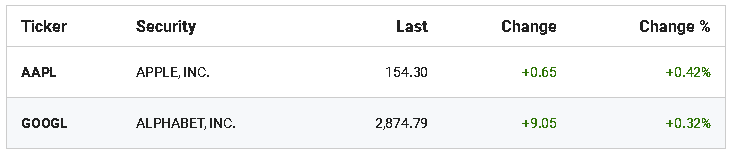

A study by Douglas J. Leith, School of Computer Science & Statistics, Trinity College Dublin, Ireland, claims that "Google collects around 20 times more handset data than Apple."

When an iPhone and Google Pixel phone are idle, a Pixel sends about 1MB of data to Google every 12 hours versus the iPhone that sends 52KB to Apple, the study said.

"Both iOS and Google Android transmit telemetry, despite the user explicitly opting out of this," according to the study.

"The big question for me is what information is contained in the large volume of telemetry that Google collects," Leith told FOX Business in an email.

"That telemetry aside, based on my measurements Google and Apple collect much the same sorts of data. I found that surprising since I expected Apple would collect less data," Leith said.

FOX Business has reached out to Google and Apple about the study.

One of the most important lessons for users is to be on constant guard about how companies use your data.

Though Google is planning to phase out third-party cookies on Chrome and Apple introduced enhanced consent and transparency requirements on iOS, that’s not the whole story, Shane McNamee, chief privacy officer at computer security company Avast, told FOX Business.

"So, [while] it's good that the amount of excessive data sharing is being reined in, this is only part of the battle towards moving away from excessive data collection and problematic targeted advertising models," McNamee said.

How to control what data Apple and Google are collecting


The best way to get a handle on what Apple and Google are doing with your data is to dive into settings on your Google and Apple accounts and devices.

Once inside, it doesn’t take long to see what data is being collected and how to turn it off if that option is available.

Google:
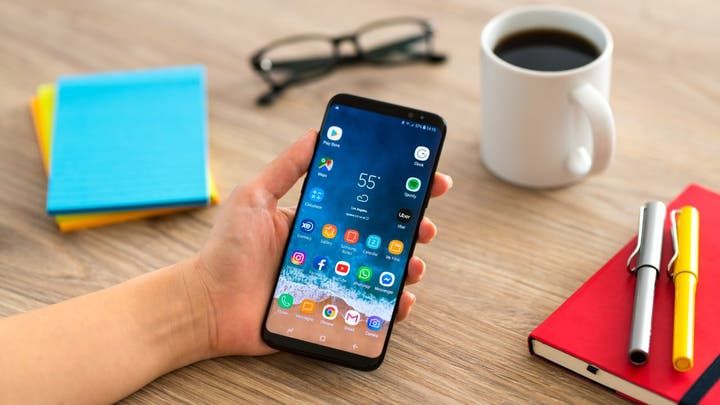
Apple and Google both collect data about you – including some that you’re probably not aware of.


Go to your Google Account (https://myaccount.google.com/).

Click or tap on Privacy & Personalization (or Data & Privacy, depending on the device).

Then go to "Things you can create and do" and click on "Go to Google Dashboard."

The dashboard has a plethora of data, settings and help with your services.

You can also download a copy of your data there.

Another option is to go to Google Privacy Checkup. This shows key privacy settings that have been turned on. You have the option to turn them off.

Google provides this common example of enabling or disabling a data sharing feature in Google user settings:

"If you have enabled Location History and regularly frequent ski resorts, you might later see an ad for ski equipment when watching a video on YouTube. Google also uses Location History in an anonymized and aggregated manner, for users who have chosen to opt-in to it, to help advertisers measure how often an online ad campaign helps drive traffic to physical stores or properties. We do not share Location History or any other identifying information with advertisers."

Android phones such as the Google Pixel also allow the user to tweak settings under "Privacy." There you can opt out of services such as "Ads Personalization" and "Web and App Activity" and "Location History."

Apple:
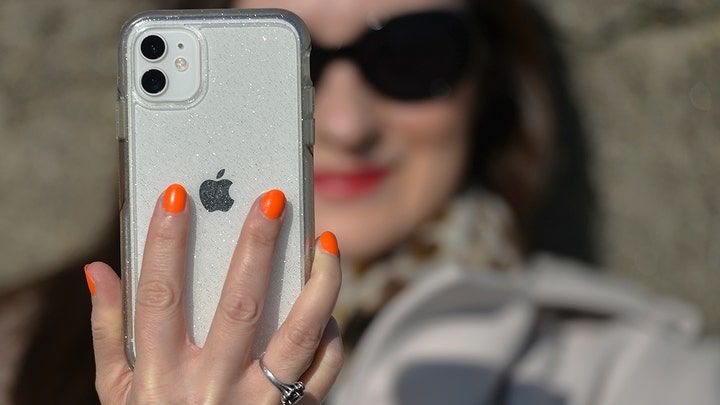
Your iPhone and Android device are constantly collecting data about your activity.


Go to your Apple account (appleid.apple.com) and scroll to Data & Privacy. Then tap or click on Manage Your Data and Privacy.

There you will see options such as "Request a copy of your data" and "Correct your data."

But be warned. If you request a copy of your data, it will be a dense document and not easy to wade through.

One of the best ways to control what data Apple uses is to go into the "Privacy" setting on your iPhone or other Apple device.

There you can turn off "Location Services" and "Tracking" for apps.

Or, under "Settings," you can tap on the app directly and turn off tracking. For example, for the Safari browser you have the option to turn off tracking and to block cookies.

The guidelines spelled out above are just a start but steps that every consumer should take.

"Whilst it's true that Google is often portrayed as the boogeyman of data collection, and Apple as the privacy knight in shining armor, it's probably worth throwing a more critical eye over both of their data collection practices," Avast’s McNamee said.

AI Disclaimer: An advanced artificial intelligence (AI) system generated the content of this page on its own. This innovative technology conducts extensive research from a variety of reliable sources, performs rigorous fact-checking and verification, cleans up and balances biased or manipulated content, and presents a minimal factual summary that is just enough yet essential for you to function as an informed and educated citizen. Please keep in mind, however, that this system is an evolving technology, and as a result, the article may contain accidental inaccuracies or errors. We urge you to help us improve our site by reporting any inaccuracies you find using the "Contact Us" link at the bottom of this page. Your helpful feedback helps us improve our system and deliver more precise content. When you find an article of interest here, please look for the full and extensive coverage of this topic in traditional news sources, as they are written by professional journalists that we try to support, not replace. We appreciate your understanding and assistance.
Newsletter

Related Articles

0:00
0:00
Close
Miliband Sets Climate and International Law at Centre of UK Diplomacy
Czech Central Bank Governor Rejects Early Euro Entry and Rate-Cut Pressure
Trump Readies New Tariffs as Temporary Global Levy Nears Expiry
Vivienne Westwood Casts Cicciolina, 74, in Its New Autumn Campaign
Dejavu: Germany’s Military Expansion Reshapes Europe’s Strategic Balance With France
Morgan Stanley Builds a Wall Street Lead in AI Infrastructure Finance
High Prices Push Coffee Drinkers Toward Whole Beans and Home Brewing
Trump Draws Boos and Podium Scrutiny at Spain’s World Cup Triumph
Brilliant move: Péter Magyar Moves to Nominate Chess Grandmaster Judit Polgár as Hungary’s President
Spain Defeats Argentina in Extra Time to Win Second World Cup
Current AI Seeks to Build an Open Global AI Infrastructure Outside Big Tech Control
Germany’s Economic Malaise Reopens the Sunday Shopping Debate
Proposed U.S.-Saudi Nuclear Pact Could Permit Limited Uranium Enrichment Under International Safeguards
Netherlands Declares Water Shortage Emergency After Drought Pushes Rivers to Historic Lows
Why Kentucky Fried Chicken Became KFC—and Why the False Explanations Persist
Ukrainian Drones Strike Wildberries Warehouses Deep Inside Russia
Reported CIA Mission Helped Clear the UAE’s Path to Advanced US AI Chips
Artificial Intelligence Capital Fuels Markets While Governments and Regulators Face Mounting Strategic Tests
China’s Moonshot’s Kimi K3 Narrows the Gap With Anthropic Through Scale, Openness and Lower Cost
The Ledger Will Not Trust on Faith
Trump Administration Pressures Banks to Restrict Financial Access for Undocumented Immigrants
Passenger Bound for Germany Refused to Sit Beside a Woman on a Plane — Then Slapped a Flight Attendant
Ukraine’s Leadership Rift Spills Into the Streets as Protesters Target Army Chief
Ukrainian Drone Barrage Kills Eight and Strikes Russian Logistics Network
The Ten World Cup Finals That Defined Football History
Smartphones Are Getting More Expensive, Sales Are Collapsing, and Even Apple Admits: "Prices Will Rise"
The Monaco Bombing Has Become a Test of Ukraine’s Intelligence Accountability
Leadership Change and Strategic Rivalry Redraw the Political Map
The AI Race Enters Its Infrastructure Era
Britain Nationalises British Steel to Protect Scunthorpe Production and Strategic Supply
French National Assembly Overrides Senate to Pass Historic Assisted-Dying Legislation
Spanish Prime Minister's Wife Ordered to Stand Trial as Corruption Probes Encircle Governing Party
Zelensky Faces Kyiv Protests Over Ousting of Dynamic Ukrainian Defense Minister
Thomas Tuchel Faces Fierce Backlash After Tactical Retreat Costs England World Cup Final Berth
A Quiet Bastille Day: France Grapples with World Cup Heartbreak and Leftover Fireworks
Spain in Ecstasy: "We Feel Unbeatable, We Taught the Whole World a Lesson"
Spain and UK Dismantle Gibraltar Border Following Landmark Schengen Integration Treaty
Hungary's "Puppet" President to Be Ousted, Orbán Fumes: "Democracy Is Dead"
Forget Tinder: The Surprising Platform Where People Find Love
Harvard Astrophysicist to Lead U.S. Scientific Advisory on Unidentified Aerial Phenomena
Emergency Sirens Activated Across Bahrain as Interior Ministry Issues Shelter Directives
World Cup Visitors Turn American Big-Box Stores Into Souvenir Stops
Netflix Weighs Always-On Channels, Bundles and Short-Form Video
Passenger Is Pulled Partly Outside Ryanair Jet After Window Fails Mid-Flight
The AI Invoice Shock: Layoffs Didn't Save Managers Money — They Cost Them More
Concern: Sexually Transmitted Bacterium Among Men Develops Antibiotic Resistance
Passenger Partially Pulled Out of Ryanair Jet After Cabin Window Fails Mid-Flight
Severe Heatwave Drives Dangerous Ground-Level Ozone Pollution Across Two Thirds of European Union
The Physical and Electronic Barriers Disrupting Domestic Wireless Networks
France and Morocco Open World Cup Quarter-Finals as Collina Defends Refereeing
×